Move off shared hosting when sustained CPU limits, slow multi-field search, upload timeouts, or missed cron jobs appear under real traffic. Listing count, image size, custom-field filter load, and whether someone can read PHP/nginx and MySQL logs matter more than the plan name. Requirements: best hosting for Osclass. Cross-check the production deployment guide and architecture boundaries before a long contract.
Measure before you buy: peak concurrent users, average images per listing, multi-field custom filter queries, and moderation queue throughput. Pageviews alone understate search and upload cost.
oc-content/uploads and generated image variants.Shared-to-VPS triggers: CPU throttle in peak search hours; publish timeouts under concurrent uploads; cron last-run stalled for hours; payment POSTs blocked by shared WAF. If two or more persist a week, resize or move before adding plugins. Test PHP memory and image resize limits on large phone photos before a campaign, not after sellers hit fatal errors.
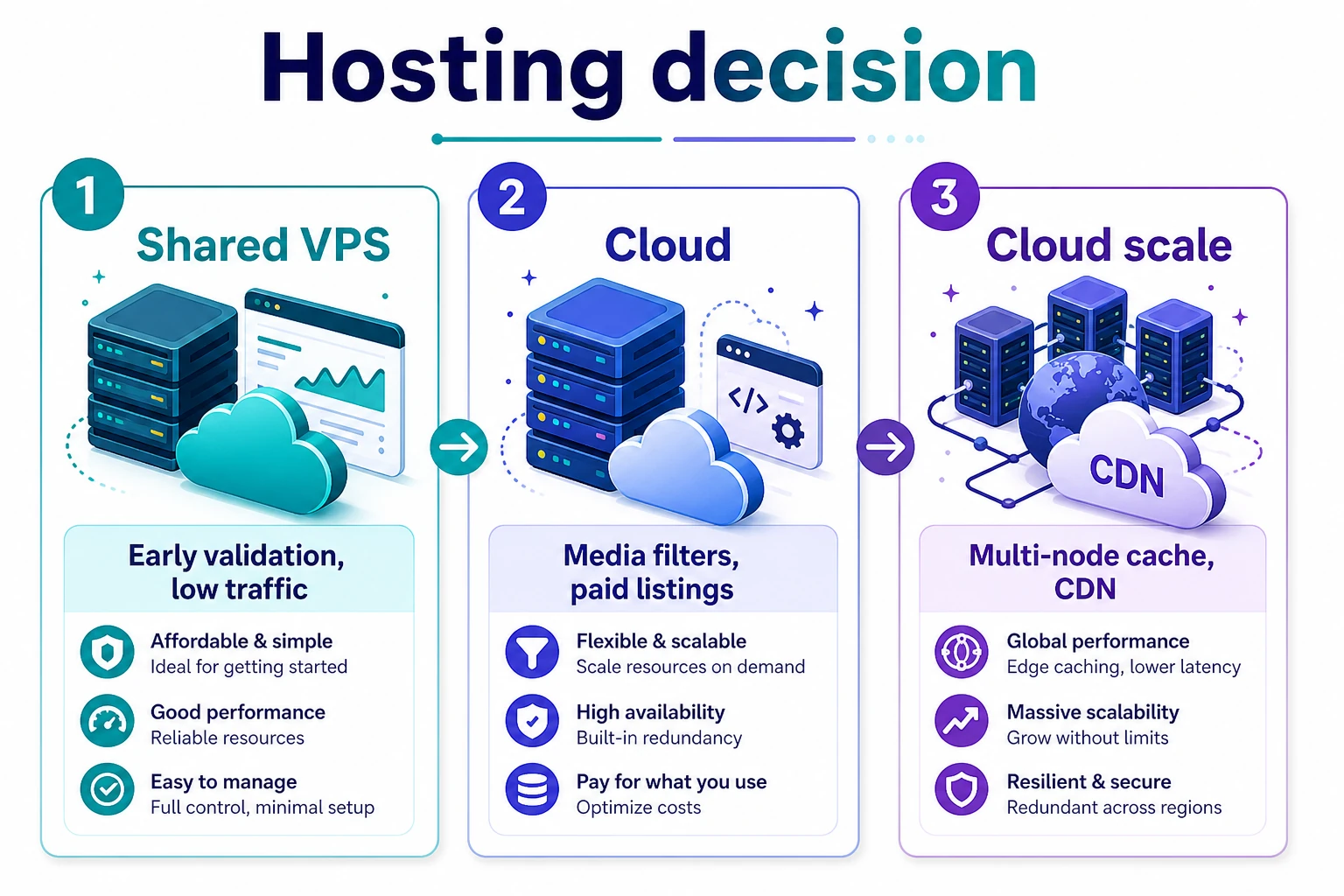
Use one managed VPS when traffic is one region and steady, staff can SSH, and MySQL stays on the same box. Fixed RAM/CPU, one bill, readable logs. Rough band for many regional sites: 2-4 GB RAM and SSD for under ~50k active listings with moderate images. PHP memory can stay modest (operators long ran about 128-512M) when CPU is solid; shared-host spikes are often bot POSTs, not WordPress-level RAM myths. Move DB or media off the box when search latency or disk IOPS dominate after indexes are checked.
Treat "cloud" here as object storage for media, managed MySQL with snapshots, and optional extra app capacity for campaign spikes, not Kubernetes by default. Split when media egress or disk IOPS hurt, you need managed DB failover, or you need a second app node for peaks. Someone must own bills, alerts, and runbooks; otherwise outages last longer and invoices surprise you. Media lives under oc-content/uploads; object storage only helps if you sync or CDN-origin that path and keep publish writable.
Both Softaculous and Installatron list Osclass and can bootstrap files and the database from common panels. Third-party cloud images (including some Azure marketplace packages) need a version check against the official download and immediate credential rotation. One-click success is only step one: still configure categories, SMTP, permalinks, and production cron.
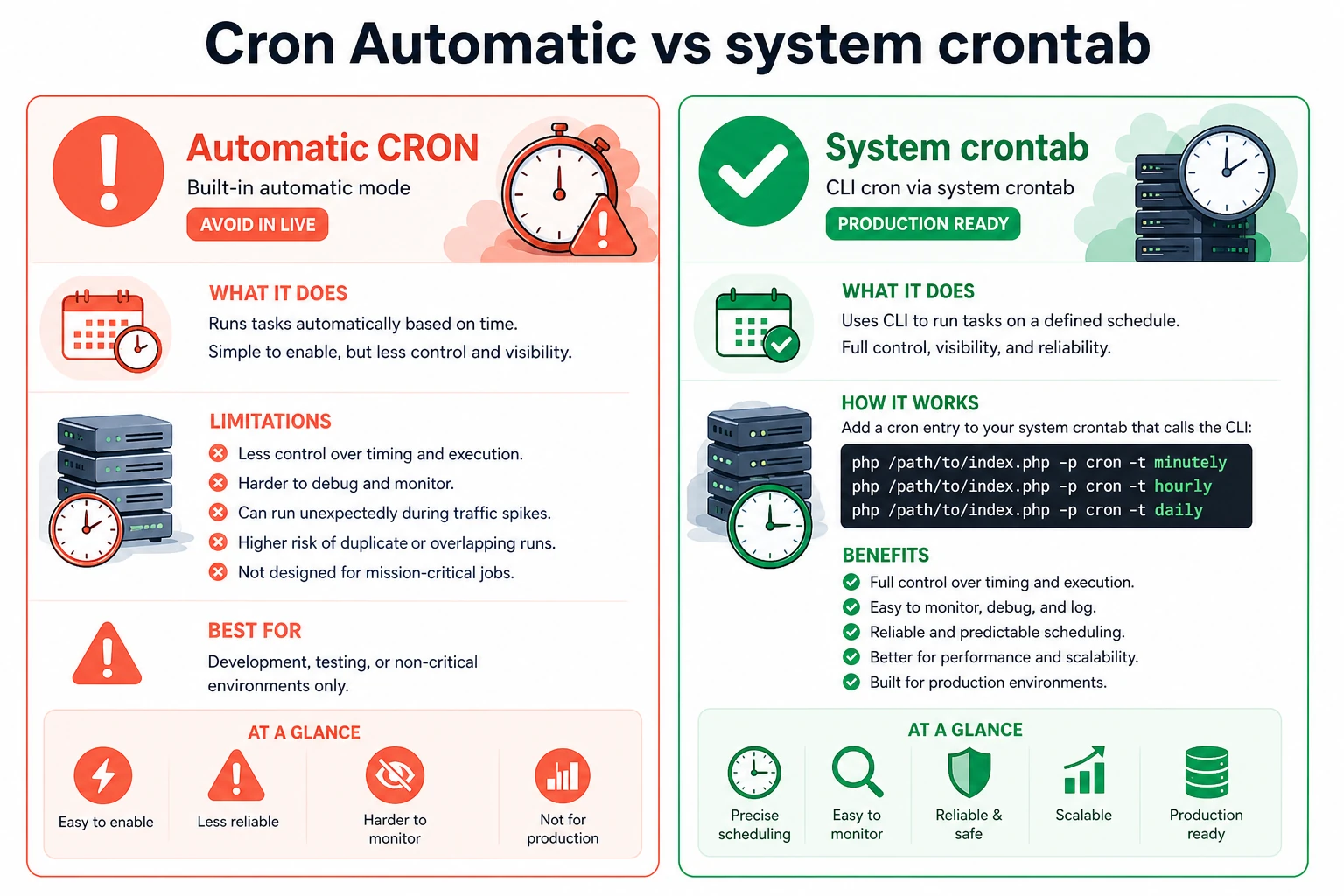
After a one-click install, confirm oc-content/uploads is writable and PHP upload limits cover seller photos. Softaculous and Installatron do not set production crontab. Disable Automatic CRON under Settings > General on live sites and schedule minutely, hourly, and daily jobs so expiry runs when traffic is quiet. Prefer a mailbox on the same host for Settings > Mail server; archive operators repeatedly report Gmail SMTP as a fragile default for activation and alerts.
Keep PHP and database versions aligned with plugin support. Keep web and CLI PHP on the same minor for cron. On nginx, many installs use try_files $uri $uri/ /index.php?$query_string;; operators still report theme-specific 404s on publish, subcategory, and search when other vhost rules interfere, so retest those routes after enabling friendly URLs.
Official guidance: uncheck Automatic CRON process in Oc-admin > Settings > General on live sites, then schedule system cron. Example entries (replace PHP binary and document root):
*/5 * * * * /usr/bin/php /home/USER/public_html/index.php -p cron -t minutely
0 * * * * /usr/bin/php /home/USER/public_html/index.php -p cron -t hourly
0 0 * * * /usr/bin/php /home/USER/public_html/index.php -p cron -t daily
Confirm runs in Cron execution history (last and next for minutely through yearly). Panels that only accept a URL can call /index.php?page=cron every five minutes. Auto-cron that depends on page hits should stay off in production.
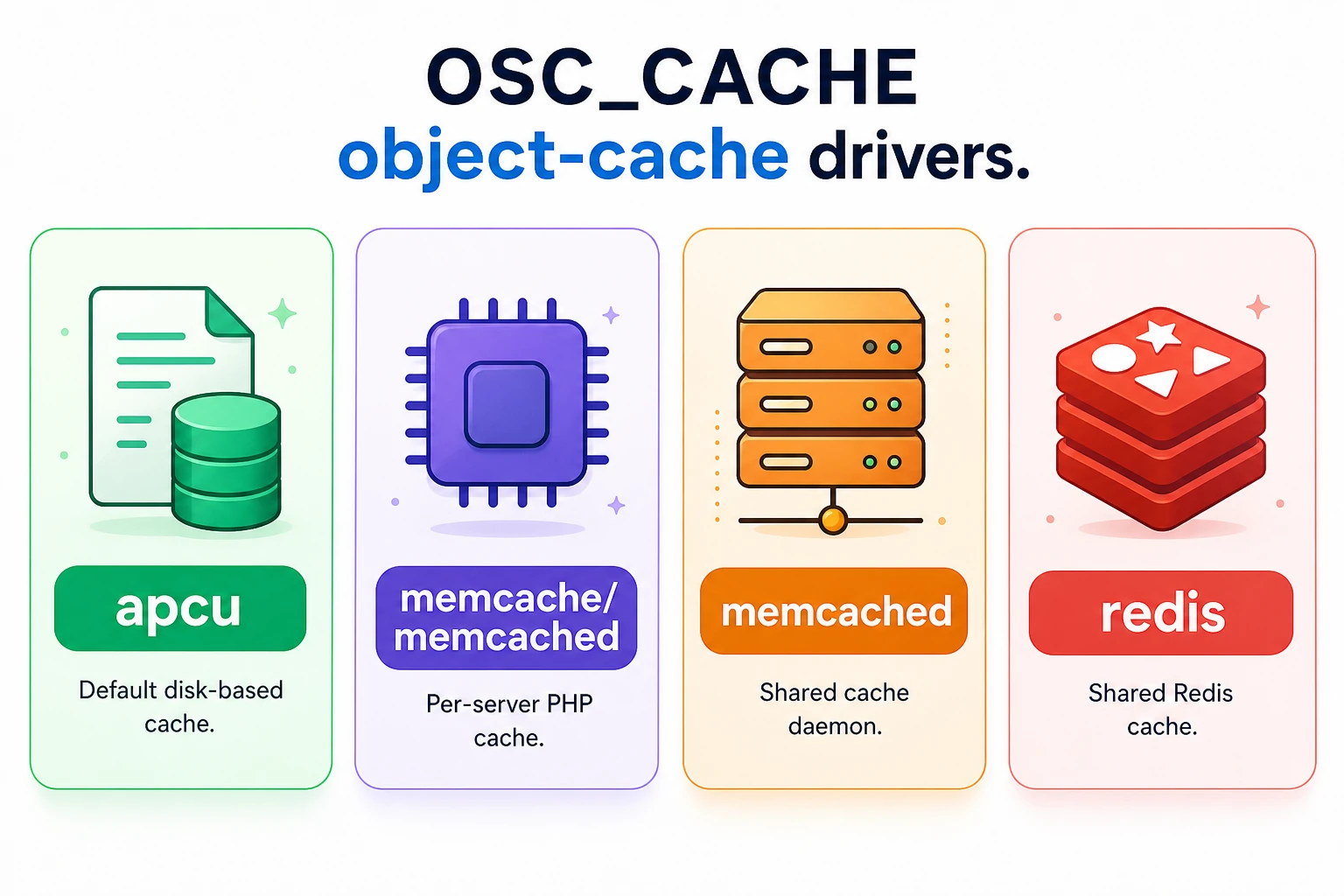
For object cache, set OSC_CACHE in config.php (APCu/Memcache). That is not an HTML Cache plugin writing static pages: generate those as a guest; keep clear-on-delete/moderation hooks on; never cache login, publish, dashboard, or payment callbacks. Unix-socket Memcache needs the sock path in $_cache_config (port 0), not TCP 127.0.0.1:11211.
For CDN/proxy setups, test these specifically:
Behind Cloudflare: Turnstile via the Turnstile plugin, core ReCaptcha off under Settings > Spam and Protection, Bot Fight Mode only after payment callbacks and oc-admin are allowlisted. After any WAF change, send one sandbox callback and one registration submit.
Current Osclass cores are fully compatible with PHP 8.5; themes/plugins may lag. Pin the same PHP minor on staging and production; retest publish, search, callbacks, moderation, and cron. After core upgrade, Settings > Permalinks > Save once to regenerate rewrite rules.
oc-content/uploads permissions. If files land in uploads/temp/ and the request 500s, raise OSC_MEMORY_LIMIT in config.php (for example 128M) within the host PHP max; default core floor is 64M.index.php?page=cron, not oc-includes/osclass/cron.php directly.When cron and callbacks both fail after a move, fix paths and allowlists before scaling hardware. Extra CPU does not repair a blocked webhook or a wrong CLI PHP binary. Verify fixes on staging first.
Stage migrations: baseline metrics, rehearse on staging, cut over in a low-risk window, monitor 24-48 hours. Document rollback (DB dump or snapshot plus DNS/proxy reverse). Do not combine host migration with plugin upgrades. Snapshot or dump the DB before cutover and restore once on staging so RPO is known.
Watch CPU, disk, and egress monthly; resize a VPS before CPU sits near 90% for weeks. After cutover, verify cron last-run, a sandbox payment callback, and writable uploads. Common failures: DNS lag with split sessions, writes on the old node, callbacks still pointed at the old host, cron PHP path mismatch, upload permission drift. Wait a week after DNS cutover before changing SEO settings so crawl and DNS cache effects do not stack.
For planned upgrades, use Tools > Maintenance or a root .maintenance file. Finish DNS wildcards and COOKIE_DOMAIN before enabling subdomain type; themes that ignore subdomain filters may show global location lists.

This article was last updated on 15. October 2026.