Osclass is a standalone PHP and MySQL classifieds platform. Listings, users, search, locations, and the full backoffice ship in core (~7 MB compressed). It runs on PHP 7.4+ through PHP 8.5 with CURL, MySQLi, and GD. No WordPress, Joomla, Laravel, or Symfony host required. With database credentials ready, the web installer usually finishes in 1-2 minutes.
.po/.mo translations, utf8mb4 emoji support, country packs, currencies, redesigned location manager.
osc_get_prev_url() and osc_get_next_url() for pagination meta tags in theme head.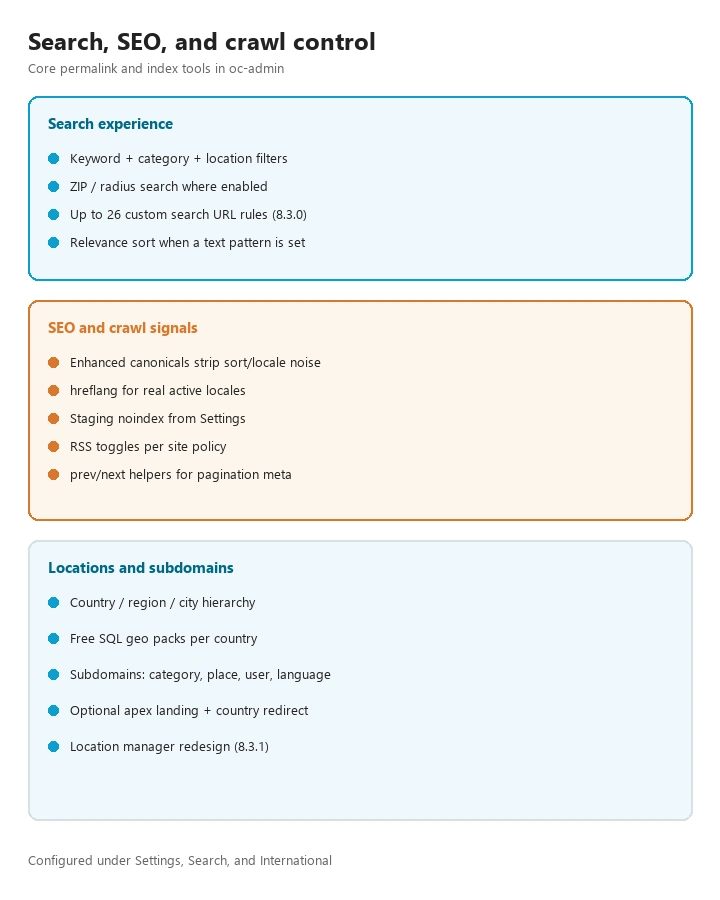
oc-admin via OC_ADMIN_FOLDER in config.php for a thinner attack surface..log file under oc-content (including plugin logs).OSC_CACHE): file, APCu, Memcache, Memcached, or Redis when the PHP extension is present..po/.mo files; manual sync with filesystem language packs.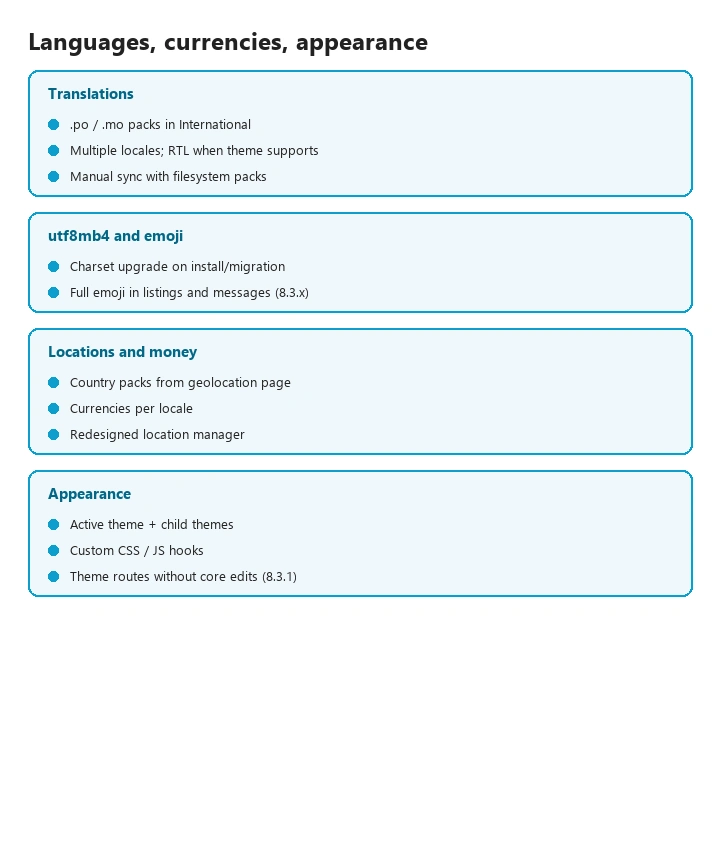
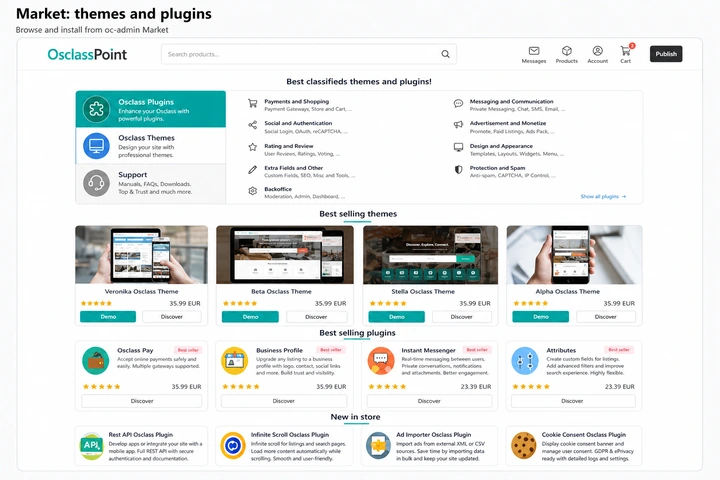
Core is the classifieds runtime: listings, moderation, SEO, mail, and backups. OsclassPoint adds nearly 200 plugins and a full theme catalog on the same hooks and Market install path. Free extensions cover spam, FAQ, tracking, and utilities; premium products turn the same stack into payments, digital downloads, forums, booking, auctions, CDN, and niche verticals without editing oc-includes.
Apache License 2.0. No product license fee for the script itself.
.po/.mo languages, utf8mb4 emoji, currencies, free geolocation SQL packs, static pages, widgetsOSC_CACHE (file, APCu, Memcache, Memcached, Redis)No license fee. Install from Market or ZIP. Same hooks as premium products.
Browse plugins on OsclassPoint (Free filter), themes catalog, or the free themes and plugins list.
Paid license from OsclassPoint. Not part of free core. Mix only what your niche needs.
One classifieds core can become a local board, job site, vehicle catalog, digital download shop, forum-backed community, or booking marketplace by stacking the matching plugins. Fee rollout detail: platform fee matrix.
Recent stable-line highlights. Latest release notes: changelog. Older versions: version history.
t_item_stats (views, premium views, phone clicks, engaged views, and more), KPI cards, CSV export, and configurable front-office user charts.
CustomDataTable for plugins and themes.
MAX_ITEMS_PER_ALERT, alert expiration settings, and alerts v2 JSON replies for front-office forms.
Themes and plugins use hooks and filters for structured data, widgets, item forms, search, and mail. Plugins register admin routes; themes define custom routes on supported versions. Guide: hooks, themes, and plugins.
Pure PHP and MySQL/MariaDB. Models use DAO with a configurable table prefix (default oc_). No Composer or Node build for a base install. Architecture notes: database schema and scale.
Operators who want a self-hosted Craigslist-style or niche marketplace under their own domain. Founders who need moderation, multilingual SEO, mail, and backups in one admin. Agencies reusing oc-admin and hooks across client sites. Vertical setups: car and vehicle, real estate, and job board.
Mobile: themes are responsive, and the PWA plugin makes the site installable on phones; custom native apps use the REST API plugin. Security fixes and vulnerability reports: security page.
Compare stacks in the script vs CMS matrix, or read WordPress listings ops tradeoffs when that is the alternative under review.