Can you build a job board with Osclass? Yes. Osclass gives you the classifieds infrastructure: listings, categories, users, custom fields, search, moderation, and alerts. You configure job-specific fields, employer accounts, an application path, taxonomy, SEO, and optional fees. You host it yourself on PHP and MySQL. It is not a LinkedIn-style network and not a full ATS.
This guide walks through that setup for a non-developer with a hosting login: prepare domain and brand, install, choose a theme path, configure categories and fields, seed real jobs, then promote. Deeper ops (field types, JobPosting schema, WordPress compare): job listings deployment guide.
| Capability | Osclass |
|---|---|
| Job listings | Yes (core) |
| Categories and search filters | Yes (core) |
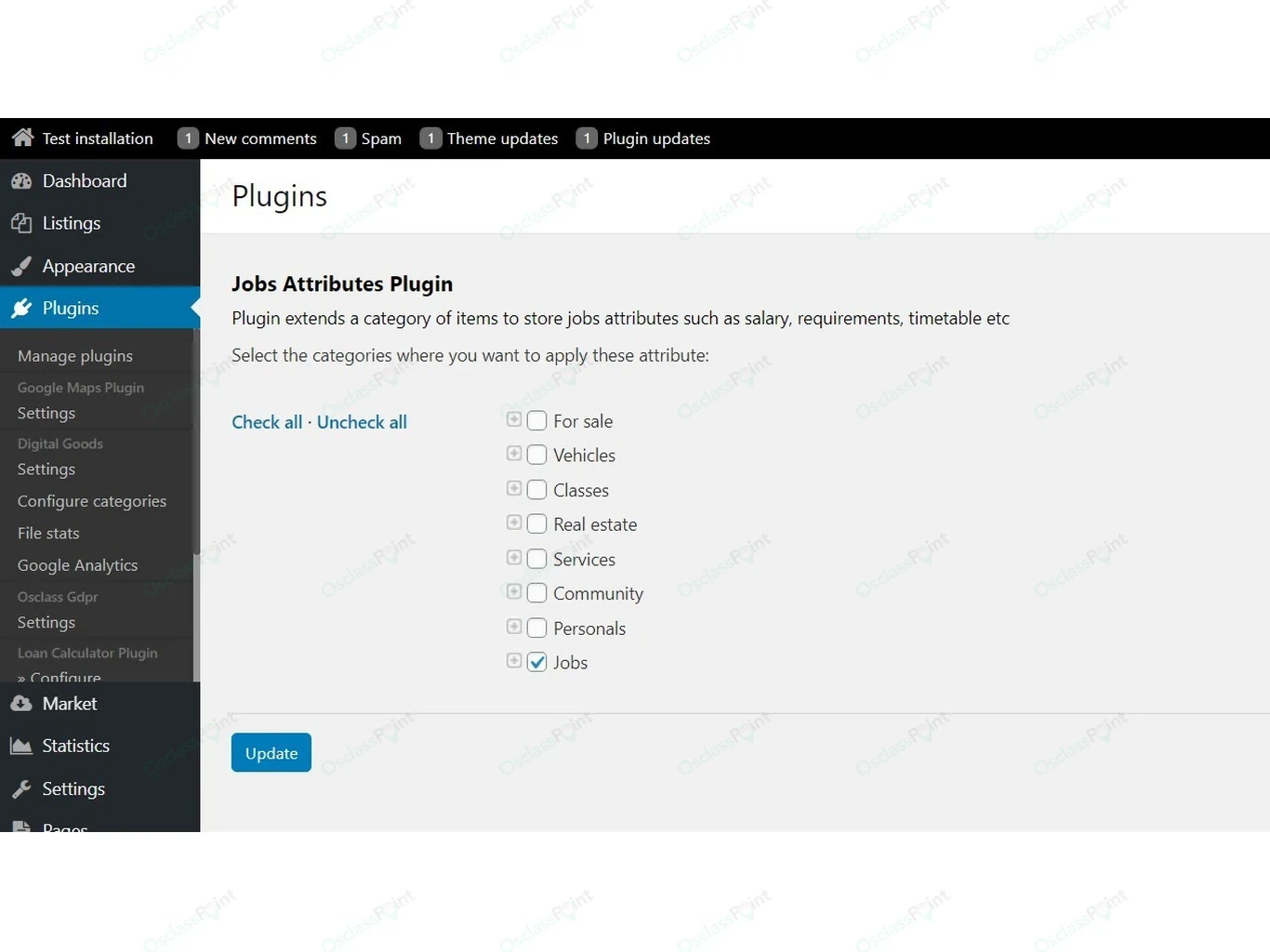
| Custom job fields | Yes (core; optional job-field plugins) |
| Employer and candidate accounts | Yes (core) |
| Moderation and listing expiry | Yes (core + cron) |
| Saved-search alerts | Yes (core + cron) |
| On-site CV applications | Optional (theme contact attach and/or apply plugin) |
| Paid featured posts / memberships | Optional (payment plugin) |
| Full ATS / LinkedIn-style network | No |
A self-hosted job board keeps openings and applications on your domain. You own the rules and the data. Start with Download Osclass or the live demo.
Companies run career sites on their own domain. Regional portals compete on niche and locality. Staffing agencies need fast posting and clear apply paths. Universities need internship boards. Cities and chambers often want a local jobs portal for trades and public roles.
A focused niche can be easier to launch than a general job board because you compete on specialization, locality, and audience trust rather than inventory breadth. Horizontal “all jobs everywhere” boards fight national aggregators with empty filters. Pick one audience and one geography first. Universities often keep only education, temporary, and office categories; trades boards keep construction, logistics, and hospitality.
Teach yourself the requirement first. Then pick how to solve it. Core Osclass covers most of the board; Marketplace extensions are optional.
| Requirement | Free / core | Optional |
|---|---|---|
| Job fields | Core custom fields | Job-field plugins; some job themes ship fields built-in |
| Applications | Email / contact form or Apply URL | On-site apply + CV plugin |
| Employer profiles | User profile | Company / business profile plugin |
| Payments | Stay free | Payment plugin + gateway connector |
| SEO | Friendly URLs, titles, sitemap tools | SEO plugin pack |
| Spam control | Require Admin Approval | Captcha widget |
| Theme layout | Sigma or free Jobs themes | Paid job theme |
Typical solo calendar: prepare and install in week 1, configure in week 2, seed and soft launch in weeks 2-3, paid ads only after inventory exists.
| Step | What you do | Done when |
|---|---|---|
| A. Prepare | Hosting, domain, brand, logo, jobs@ / noreply@, free vs paid stack choice. |
DNS plan, SMTP credentials, and purpose sentence locked. |
| B. Install | Upload ZIP, create database, finish wizard, set SMTP in oc-admin. | Admin login works; a test registration email arrives. |
| C. Theme and add-ons | Activate one theme path. Add on-site apply only if you need CV uploads at launch. | One theme live; apply path tested once. |
| D. Configure | Categories, locations, custom fields, expiry, moderation, logo, help/privacy, fees or free posting window. | Publish form matches your niche; logo shows in header and emails. |
| E. Light polish | Colors and header in theme settings or CSS. Child theme only if you change templates. | Brand looks intentional on mobile and desktop. |
| F. SEO basics | Friendly URLs, meta titles, sitemap after seed inventory, analytics, system cron. | Sitemap lists filled hubs; empty filters stay noindex. |
| G. Seed jobs | 20-50 real openings from founding employers or partners. | First city and first three categories have live roles. |
| H. Promote | Employer outreach, partners, then paid ads only after hubs have inventory. | Applications start; some employers post again. |
Today: finish Step A. Tomorrow: Step B. Do not buy ads until Step G has real jobs.
Concrete target: IT and adjacent roles in one metro region. Purpose sentence: “Software, support, and data jobs in Greater Brno for local employers.”
| Parent | Children |
|---|---|
| Information Technology | Software development, DevOps / cloud, Data / analytics, IT support |
| Finance | Accounting, Fintech |
| Sales | B2B sales, Customer success |
| Marketing | Digital marketing, Content |
Delete every other default category. Four parents are enough for a first city.
| Field | Type tip |
|---|---|
| Title, description, location | Core listing fields |
| Company name | Text or profile link |
| Employment type | Select: full-time, part-time, contract |
| Remote / hybrid / on-site | Select |
| Salary band | Select or number range (avoid free-text if you filter on it) |
| Years of experience | Select |
| Skills | Text or multi-select |
| Application deadline | Date |
| How to apply | Contact email, Apply URL, or on-site apply form |
Moderation for this example: require approval for new employer accounts and first posts; review titles for salary claims and location accuracy. Monetization: free posts for 60 days, then optional Featured for urgency. No pay-to-publish until employers already get replies. Seed at least twenty real Brno IT roles before you buy ads or open public registration without approval.
Lock identity before you upload the ZIP.
Domain. Use a subdomain or path you will keep (for example jobs.example.com). Prefer a dedicated subdomain when the main site is not Osclass. Point DNS after hosting is ready so SSL and mail records land once.
Brand name. One purpose sentence: who hires, who applies, where. That sentence drives logo text, home headline, and meta titles.
Logo and colors. Square mark plus wide lockup (PNG or SVG). Two brand colors plus black text. Do not launch with a placeholder logo on employer emails.
Emails. Create jobs@, noreply@, and a human inbox before SMTP tests. Add SPF/DKIM if the host offers it.
Stack choice. Free theme + core fields, or a paid job theme plus optional apply plugin. Upgrade later; do not mix three half-configured themes in week one.
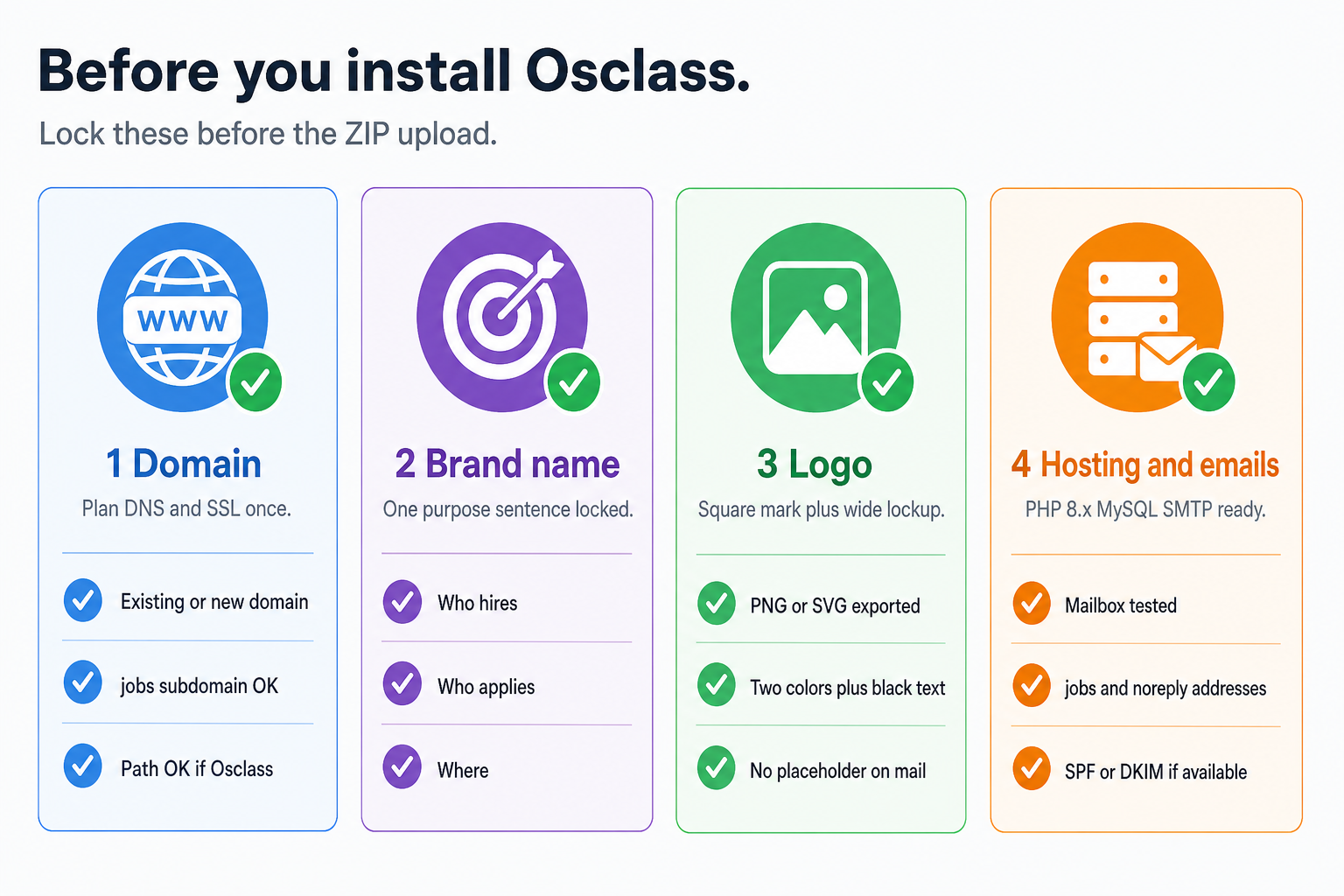
| Item | Done when |
|---|---|
| Domain | DNS plan written; SSL path known |
| Brand | Purpose sentence + name locked |
| Logo | Square + wide files ready |
| Hosting emails | Mailbox + SMTP credentials exist |
| Stack choice | Free path or paid job-theme path selected |
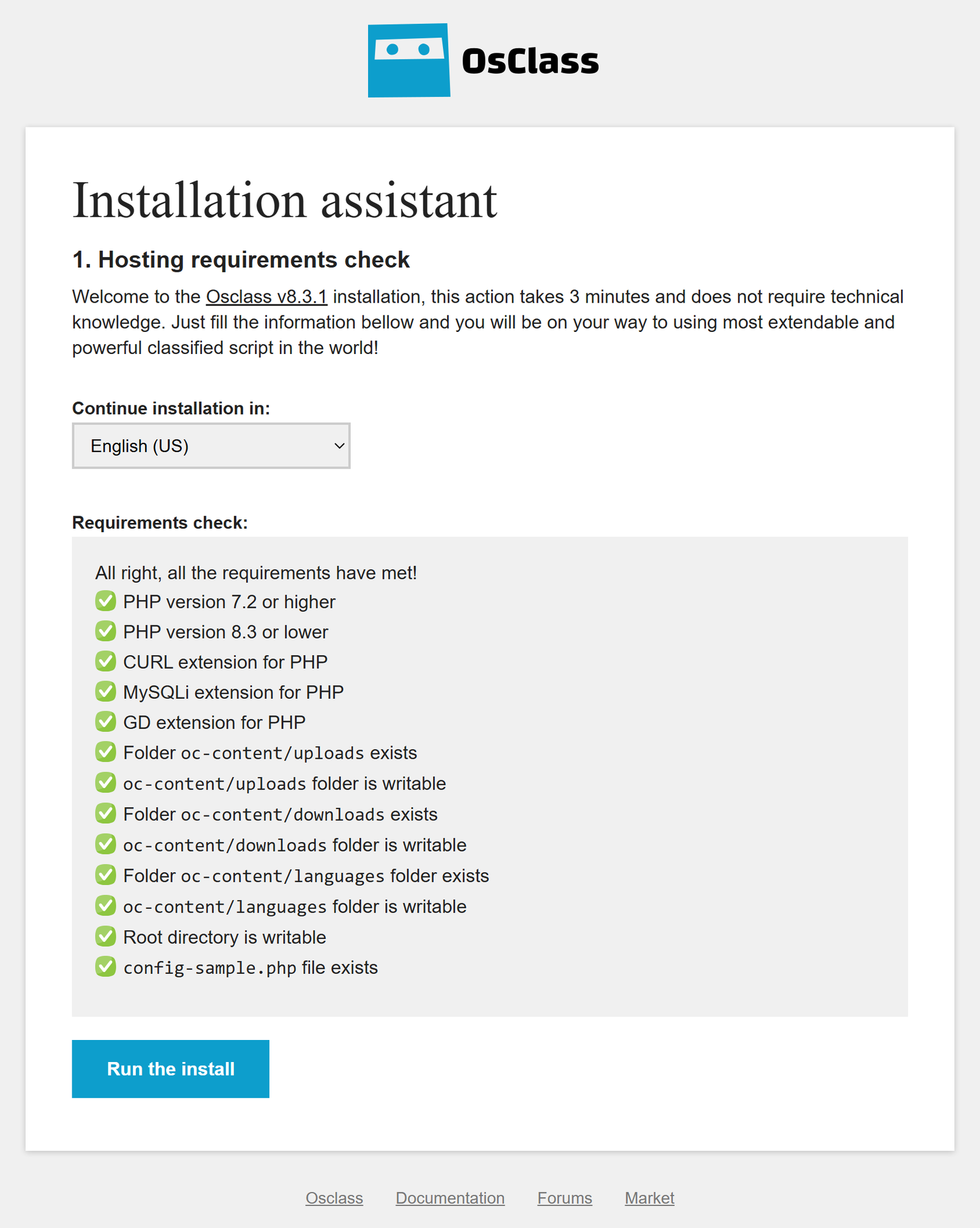
Hosting serves your site 24/7. MySQL or MariaDB stores jobs and users. PHP 8.x runs Osclass (use a current 8.x release your host offers; confirm against the Osclass download notes for your version). Upload via FTP or file manager. A typical starter is shared hosting with HTTPS, one database, and cron access. Universities or government IT may prefer a VPS they already manage.
Confirm web PHP and CLI PHP match when cron runs from the command line; a common failure is a fine browser while expiry and alert jobs die under cron. Stay on current Osclass 8.x, keep a thin plugin list, and keep weekly backups with a tested restore. Hosting choices: shared, VPS, or cloud.
Skills needed: hosting login, empty database, unzipping a file. No Composer or Node for a base install.
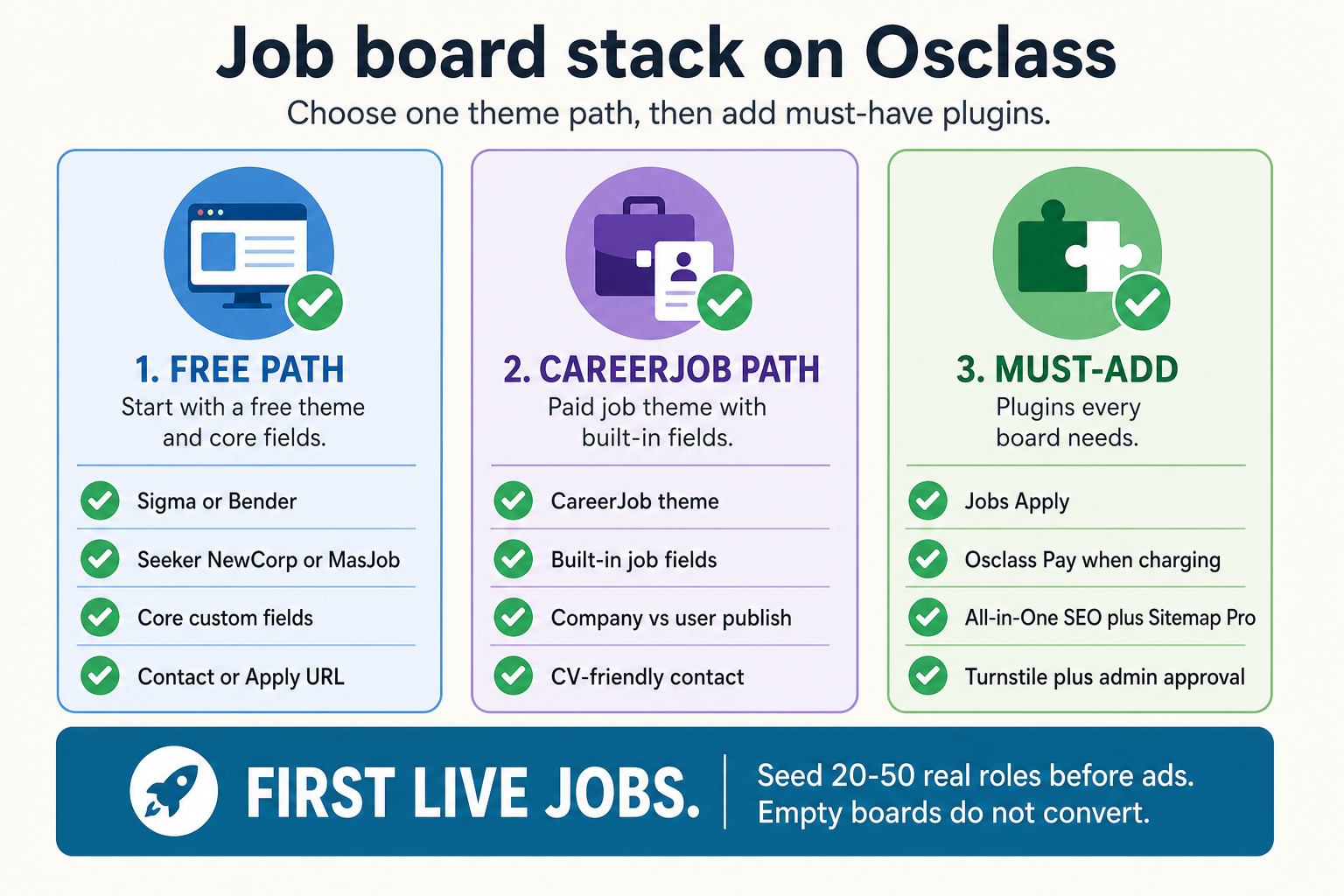
Pick one path on production. Free starters (Sigma or a free Jobs theme) need you to add job fields. A paid job theme often ships job-oriented layouts and fields ready. Do not install three themes “to compare” on the live site.
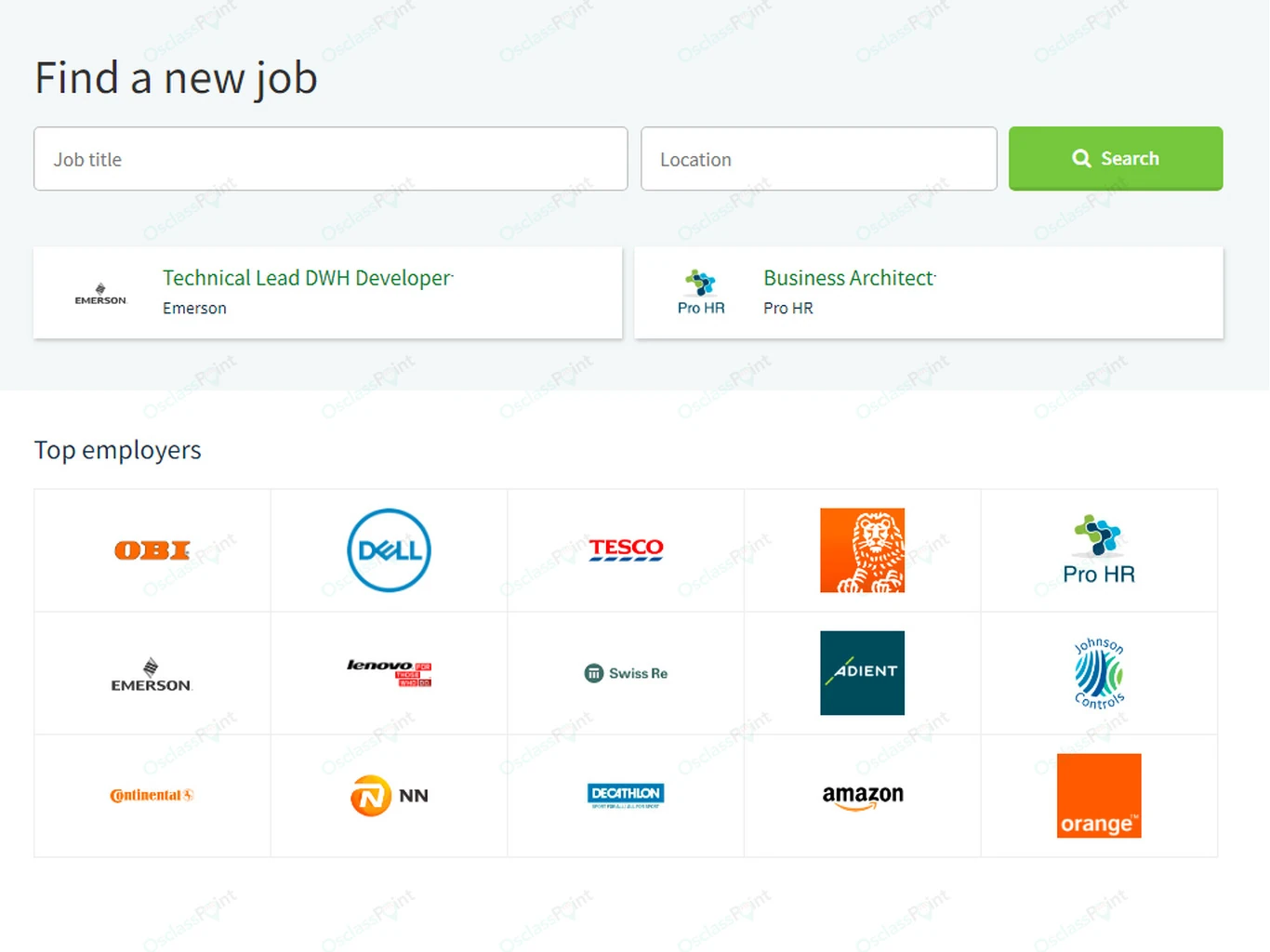
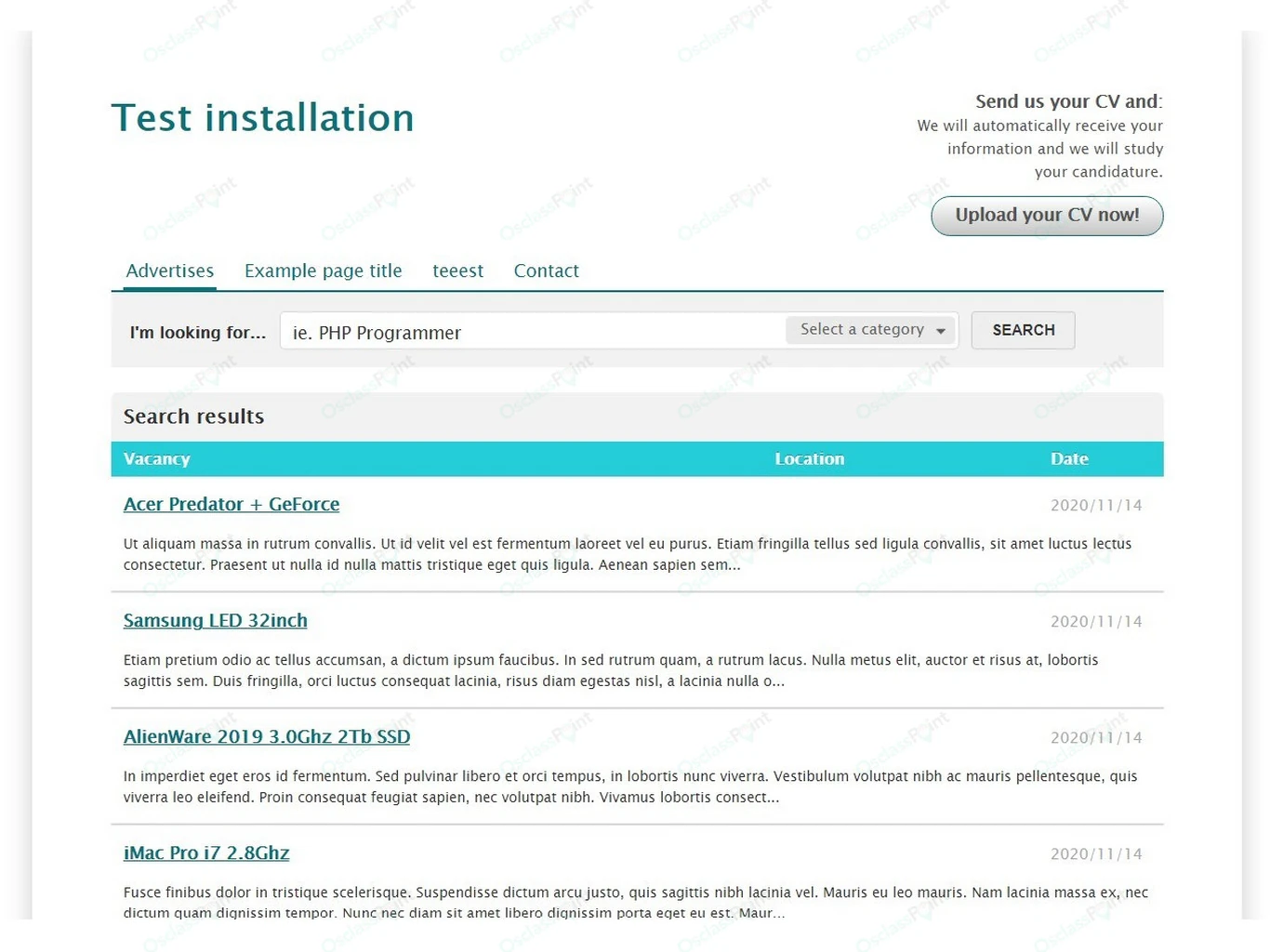
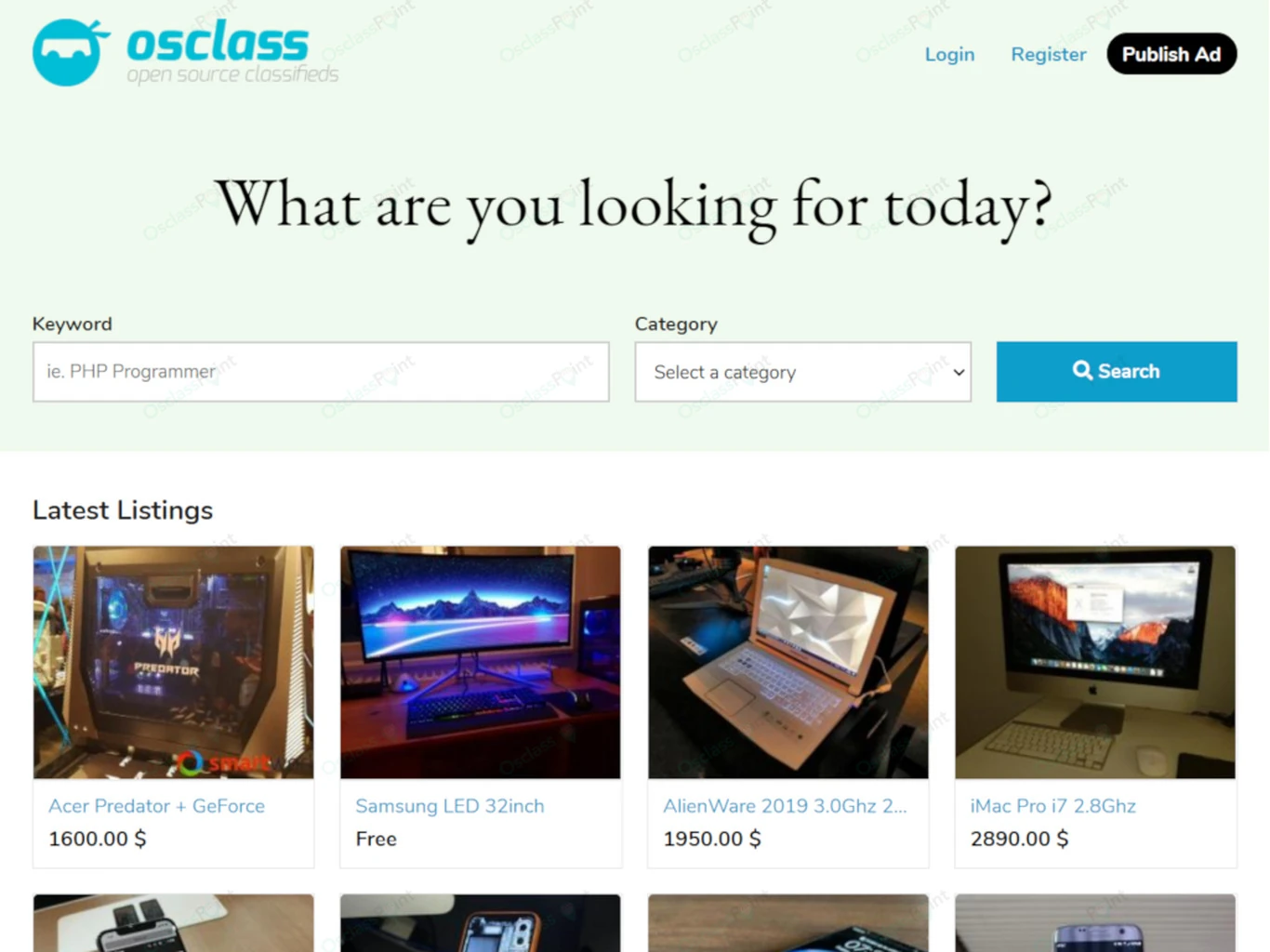
Verify on live demos: Compare a job-theme front-office demo with a free theme on demo.mb-themes.com. Job search and CV-oriented contact are already wired on a job theme. That is faster than weeks restyling a general theme before the first employer posts.
Catalog: ready job board theme and plugins.
Tiny boards can start with contact email or an Apply URL field. Most portals that want on-site apply, CV upload, and application history add an apply-form extension and test one full mobile apply before go-live.
The theme must render the apply or contact attachment field; a field plugin alone does not print the button. If employers only accept link-outs, keep Apply URL and skip storing CVs on your server.
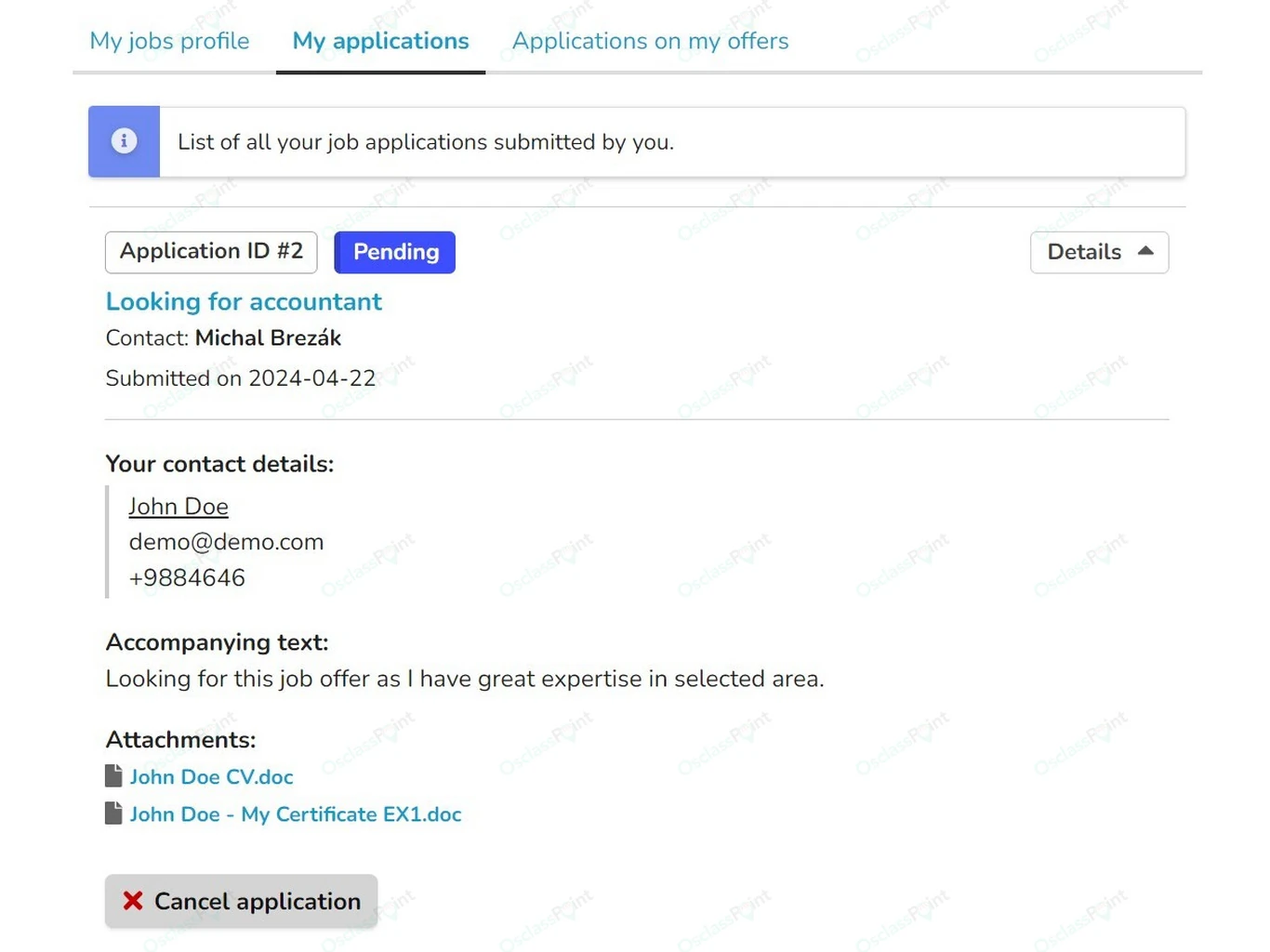
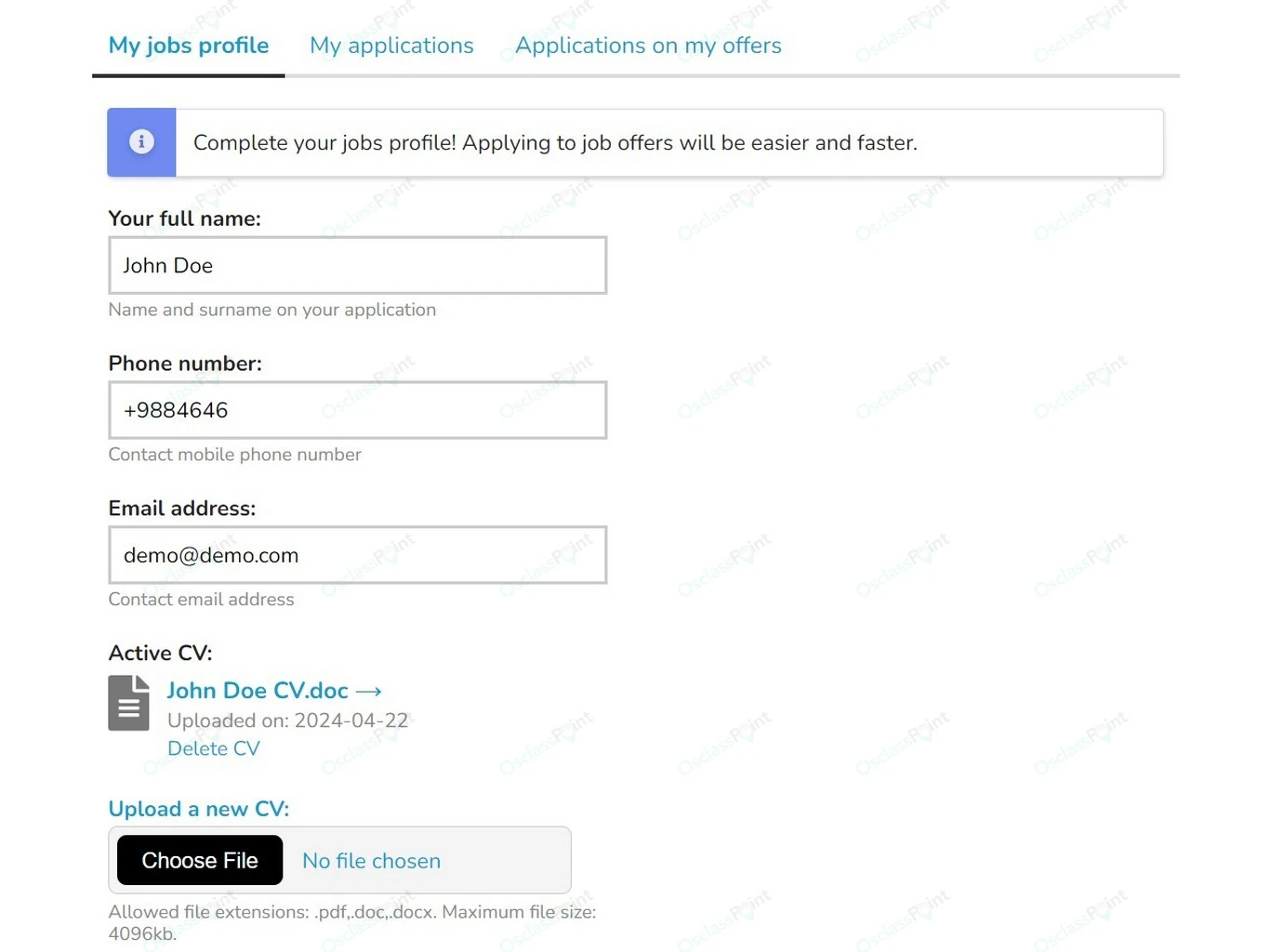
State retention periods, consent for CV storage, and how candidates request access or deletion. Do not keep rejected CVs indefinitely. A practical default is delete or anonymize after a fixed window unless local law requires otherwise.
Install only what you will maintain. Use the requirement table above. Typical launch extras: captcha + admin approval, SEO titles/sitemap after seed inventory, payment module only when you charge, company profile pages only if employers need a public storefront.
Builders searching for software want phrases like job board software, PHP job board, and self-hosted job board. Candidates on your live site search [role] jobs [city]. Employers search “post a job” style queries. Build category and city hubs for candidates; build a posting guide for employers.
Index hubs that have real inventory. Keep thin empty filter combinations noindex. JobPosting structured data belongs on job detail pages; see the deployment guide.
Use two levels. Start with about 8-12 parents that match your niche; delete the rest. Empty mega-trees look unfinished. Optional third level only for large national boards (for example IT, then Software, then Frontend). Trim examples: a university board might keep Education & research, Temporary/gig, Marketing & creative, and Office/HR only. A regional IT portal might keep Information Technology, Finance, Marketing, and Office/HR (see the example above).
| Parent | Children (examples) |
|---|---|
| Information Technology | Software development, IT support / helpdesk, Data / analytics, Cybersecurity, Product / UX, DevOps / cloud |
| Healthcare & life sciences | Nursing, Medical / clinical, Pharma / biotech, Care / social care, Allied health |
| Finance & accounting | Accounting, Banking, Insurance, Controlling / audit, Fintech |
| Sales & retail | Retail store, B2B sales, E-commerce, Customer success, Merchandising |
| Engineering & manufacturing | Mechanical, Electrical, Production, Quality / QA, Industrial design |
| Construction & trades | Civil / site, Skilled trades (electrician, plumber, HVAC), Architecture, Facility maintenance |
| Hospitality & food | Hotels, Restaurants / F&B, Tourism, Events |
| Education & research | Teaching, Training / L&D, Research, Academic administration, Internships / Erasmus |
| Office, HR & admin | Administration, Human resources, Legal / compliance, Public sector admin |
| Logistics & transport | Warehouse, Drivers, Supply chain, Freight / shipping |
| Marketing & creative | Marketing, Content / communications, Design, Media / PR |
| Temporary, gig & freelance | Temp / agency shifts, Freelance / contract, Seasonal |
Reparenting after launch breaks saved filters. Lock the tree in staging first. Import geolocation packs for countries you hire in.
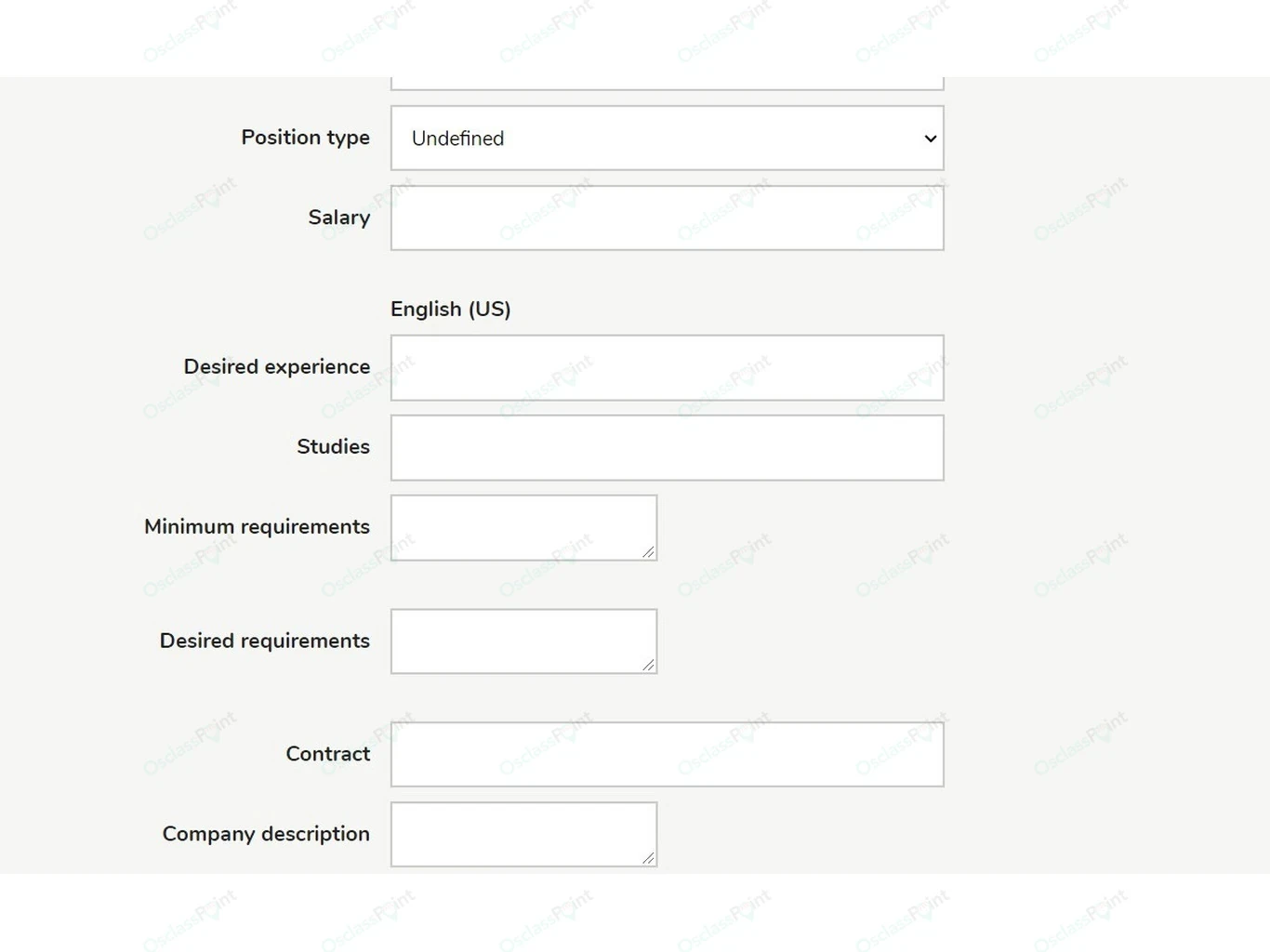
Attach fields under Settings > Categories. Prefer select and number types for filters; free-text salary breaks facets.
| When | Fields |
|---|---|
| Mandatory early | Job title, description, location, education, skills, employment type, how to apply |
| Optional early | Experience, languages, salary band, remote mode, start date, deadline, benefits |
| Keep on profile | Company website and about text, not free-text on every job |
After logo and colors are set, stop and publish seed jobs. Most boards need only CSS tweaks. Prefer theme settings and a small custom CSS file over editing core theme PHP. Create a child theme when you must change templates. Keep hooks outside core files so upgrades stay safe.
Freeze friendly URLs. Set title and meta templates that include role and city where useful. Generate and submit a sitemap after seed inventory exists. Enable minify only after you smoke-test publish, search, and apply on staging. Turn on analytics. Do not cache logged-in employer dashboards or payment callbacks. Deeper JobPosting and hub strategy: deployment guide.
Never launch an empty job board. Seed 20-50 real or partner roles before public URLs and ads. Offer a free posting window so early inventory is not blocked by fees.
Cold-start rule: an empty board does not convert ads. Fill the first city and first three categories before you buy traffic. Prefer real openings over fake demo jobs.
Expect the marketplace to need sustained employer and candidate acquisition before repeat usage develops. Track applications submitted, repeat employers, and alert signups, not vanity pageviews.
You can stay free (campus or community). Common paid paths: free post + Featured for urgency; or publish fee + membership for agencies. Charge after replies exist. Test payment callbacks in sandbox before the first invoice. Fee rollout detail: monetization playbook.
Cold-start boards need employer outreach before candidate ads. Paid ads into empty filters waste budget.
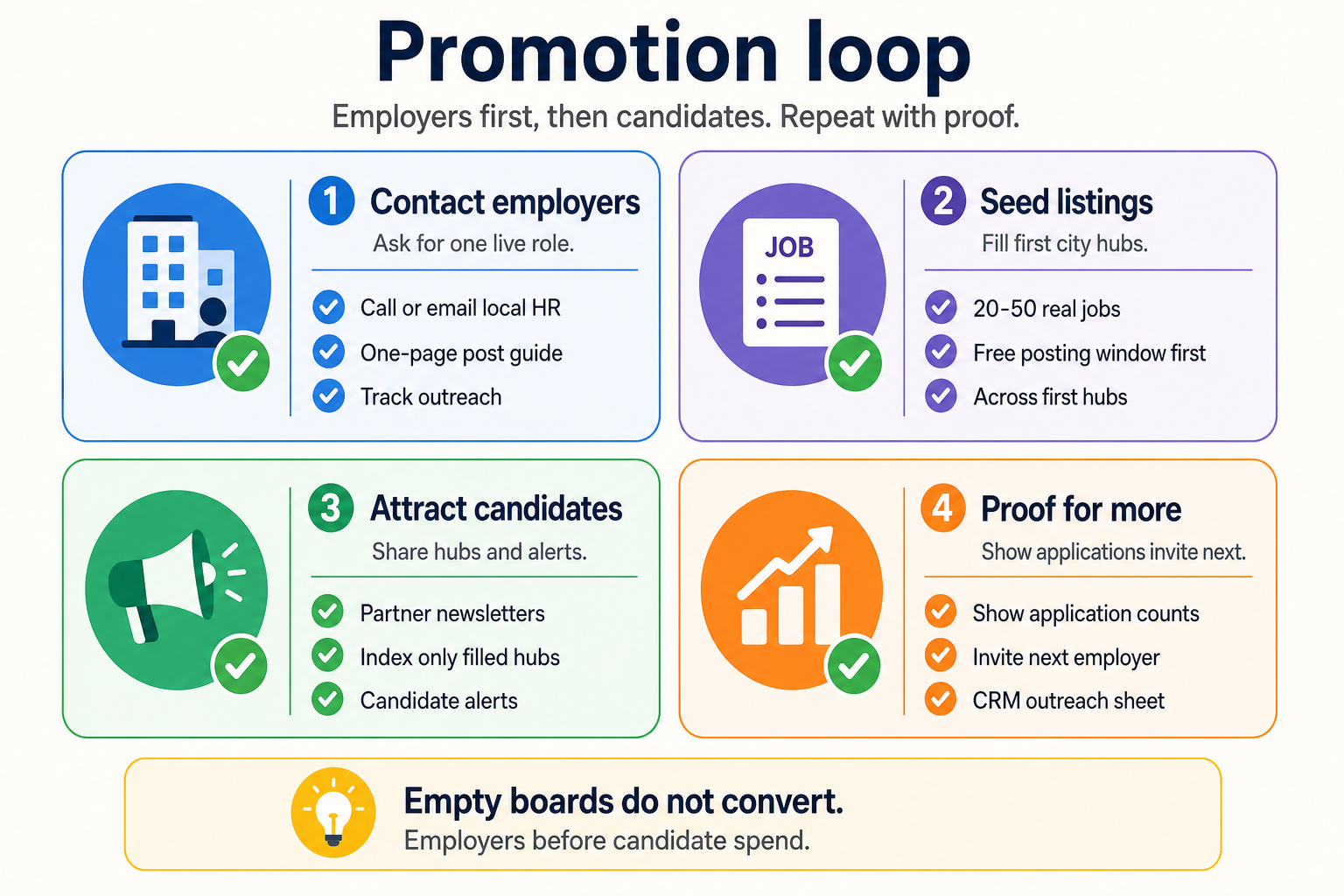
Keep a simple CRM sheet of contacted companies, last touch date, and live role count.
Ready to build: download Osclass and follow get started.

This article was last updated on 15. October 2026.